
Web Design guide
How to Choose a Web Designer in Vancouver
Hiring someone to build or update your website is a big step. Here's how to judge portfolios, ask smart questions and protect your business before you sign, or how to do it yourself if you're not ready to hire.
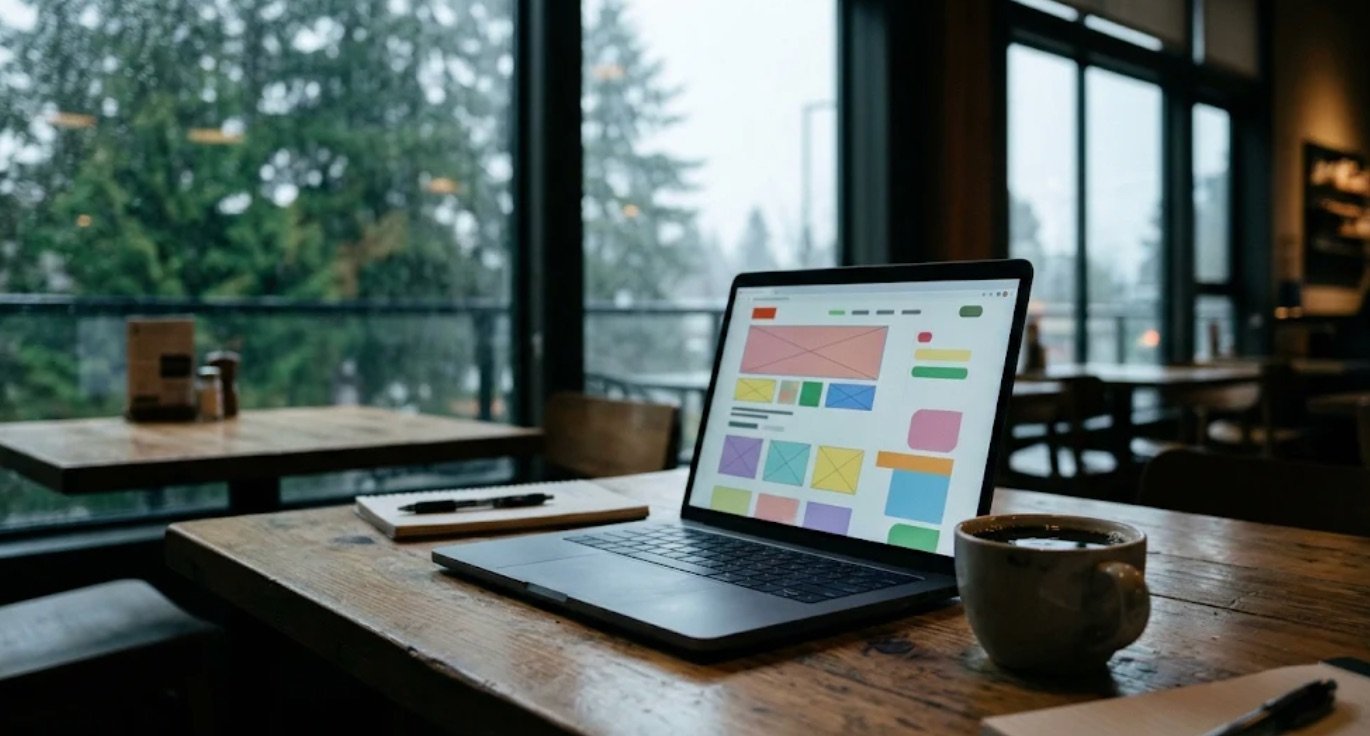
Choosing a web designer in Vancouver starts with knowing what your business actually needs from a website. Whether you run a bakery in Mount Pleasant, a dental clinic in Burnaby or a contracting crew in the Fraser Valley, your site has a real job to do: tell people what you offer, show you can be trusted, and make the next step easy.
Before you look at portfolios or ask for quotes, take half an hour to write down your goals. That one step saves time, money and headaches.
Start with what your business actually needs
Not every business needs a large, custom-coded website. If you're just starting out, you can build a simple one-page site yourself with a drag-and-drop builder. A content management system (CMS) is the software that lets you log in and change text or photos without writing code.
Write down the main action you want visitors to take. Usually it's one of these:
- Calling your phone number straight from their phone.
- Filling out a short form to request a quote or book an appointment.
- Visiting your shop or restaurant after checking your hours and menu.
- Buying a product through an online checkout.
Also think about the languages your customers speak. In Greater Vancouver, many businesses serve people who prefer to browse in Mandarin, Cantonese, Punjabi, Farsi, Korean or French. If that matters to your audience, put it at the top of your list. Building a site for several languages from day one is much easier than adding them later.
How to judge a Vancouver web designer's portfolio
Anyone can put together a slide deck of pretty pictures. Don't just look at screenshots: click through to the live websites they've built and test them yourself.
Test the live sites on your phone
Open two or three sites from the designer's portfolio on your phone. Many people look up local businesses on their phones while they're out, so this is the view that counts. Check:
- Does the page load quickly, or are you staring at a blank screen?
- Can you tap the buttons easily with your thumb, without zooming in?
- Is it immediately clear what the business does and which areas it serves?
- Do the photos look like real, welcoming places, or stock images you've seen everywhere?
Look for clarity over flashy effects
Animations that spin, fade and slide can look impressive in a meeting, but they can slow a site down and frustrate customers who just want your phone number or prices. A strong designer puts clarity first. Good user experience (how easy and pleasant a site is to use) means a visitor never has to hunt for your contact details or guess what to click next.

Questions to ask before you sign anything
A good partner welcomes your questions and answers them in plain English. If someone hides behind tech talk or brushes off your concerns, treat that as a warning sign. Ask these five in your first conversation:
- Will I own my domain name and website files once the project is paid for? Your domain is your website's address, like yourbusiness.ca. Register it under your own name and email, never in the designer's account.
- Can I update text and photos myself after launch? You shouldn't have to pay every time you change your holiday hours or add a service.
- How do you handle mobile design? Make sure they design for phones and tablets, not just shrink a desktop layout.
- Who writes the words and takes the photos? Many owners assume the designer provides text and photography. Agree early on whether you supply them or their team creates them.
- What happens after the site goes live? Websites need software updates and backups. Ask whether they offer ongoing care, or will train you to handle the basics.
Red flags to watch out for
Most designers are honest people who want to do good work, but a few common traps still catch business owners off guard:
- Guaranteed rankings. No one can promise you the top spot on Google, or that AI tools will recommend you. Search engines change how they rank pages. A guarantee is a sign someone isn't being straight with you.
- Holding your website hostage. Some contracts mean you're only "renting" the site, so if you leave, you lose it and start from scratch. Insist on owning your site and content.
- Vague proposals. A reliable quote lists how many pages, which features, how many rounds of changes, and when payments are due.
- Skipping search basics. A beautiful site won't help if nobody finds it. Your designer should set up basic on-page SEO: clear page titles, headings and image descriptions that tell search engines what you do and where. Pair it with a Google Maps listing so local customers can find you.
How to keep your project on budget
Whether you hire someone or build it yourself over a weekend, preparation keeps costs down. Projects usually stall because the designer is waiting on text, logos or photos.
Before the build starts, gather your high-resolution logo files, your brand colours and a list of the services or products you want to feature. Write down the questions customers ask you every day: those questions and answers make the best website content. If you don't have good photos or video yet, decide whether you'll shoot them yourself in natural light or bring in a crew.
When to get help
If you have the time, the steps above are enough to plan your pages, write clear answers to your customers' questions and set up a clean starter site yourself. If you'd rather focus on running your business, Eloge is a creative and digital team in Coquitlam, BC, working across Greater Vancouver, the Fraser Valley and worldwide. We handle web design in any language, photography and video, and ongoing website management and SEO, and you own everything we build.